

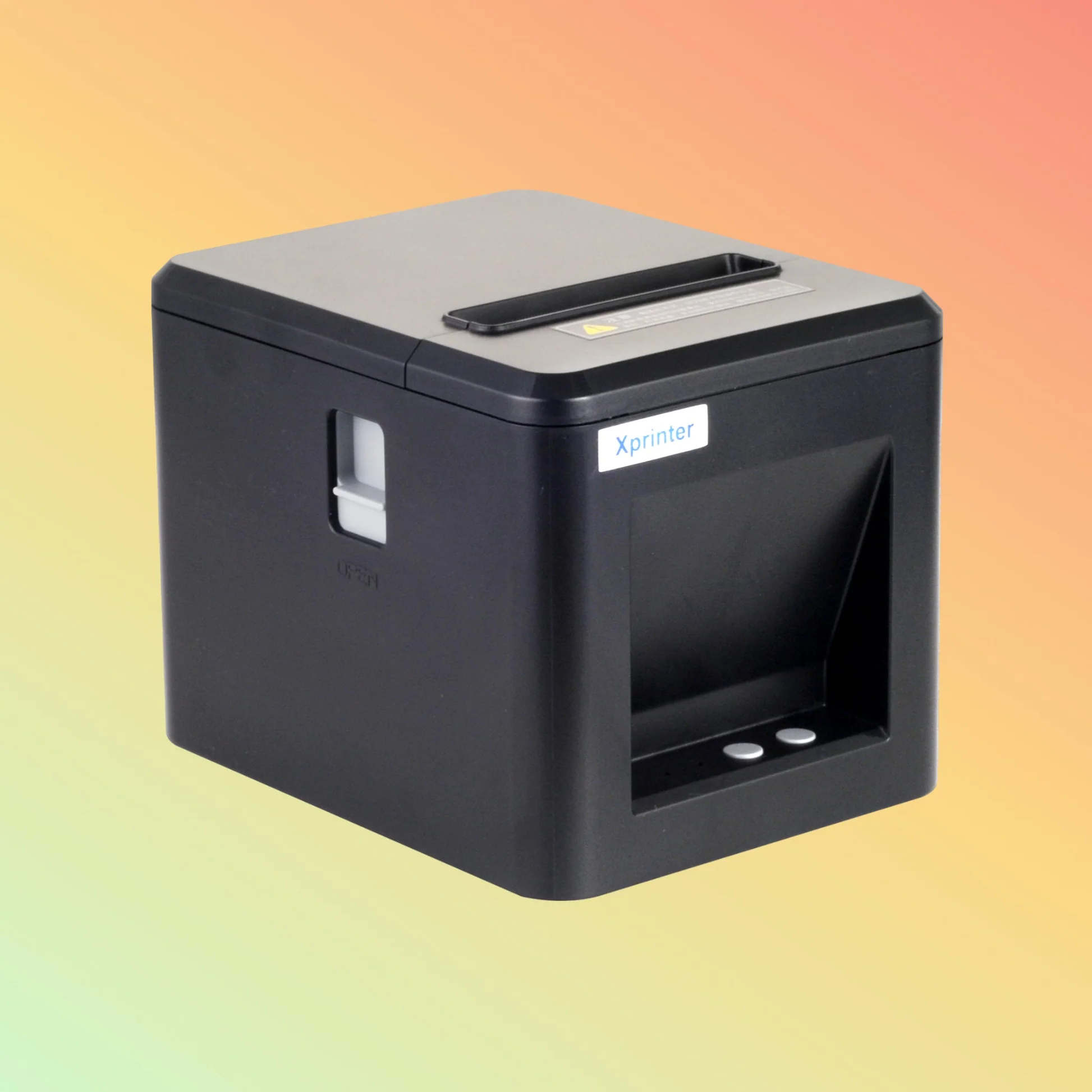
Receipt printers are an important part of many modern checkout and point-of-sale environments. Businesses need equipment that can produce readable receipts quickly while continuing to operate consistently throughout the working day. Print quality, printing speed, and reliability are therefore three important factors to evaluate when selecting thermal printing equipment.
An Xprinter 80mm Thermal Printer can be considered for businesses that need practical receipt printing in retail, hospitality, restaurants, and service environments. Its 80mm paper format provides useful space for transaction details, while thermal printing is designed for quick output without traditional ink or toner. However, actual performance depends on the specific model, paper quality, configuration, workload, and operating environment.
Understanding Print Quality
Print quality determines how easily customers and employees can read the information on a receipt. Clear text is particularly important for product descriptions, prices, transaction numbers, taxes, and payment details.
Thermal printers create images by applying heat to specially coated paper. When the correct paper and printer settings are used, this process can produce sharp text suitable for everyday receipts.
Factors That Affect Receipt Clarity
Several factors can influence the final appearance of printed receipts. Using compatible thermal paper is one of the most important.
Paper that is damaged, poorly stored, or unsuitable for the printer can result in faded or inconsistent output. Print-head condition, print density settings, and regular maintenance can also affect the quality of the printed result.
Businesses should therefore consider the complete printing setup rather than focusing only on the printer’s specifications.
Why Printing Speed Matters
Printing speed is particularly important in businesses that process a large number of transactions. At busy checkout counters, customers generally expect receipts to be produced without unnecessary delays.
A fast thermal printer can complete receipt output quickly after a transaction is finalized. This can help employees maintain a steady workflow and reduce waiting time during peak periods.
However, rated print speed should be considered alongside the actual workload and POS configuration. Real-world performance can vary depending on receipt content, graphics, connection type, and software settings.
Speed and High-Volume Transactions
Retail stores, restaurants, supermarkets, and other high-traffic businesses may print receipts continuously throughout the day. A printer used in such an environment needs to be appropriate for the expected workload.
Businesses should review factors such as printing speed, recommended operating conditions, duty cycle, and paper-handling design when evaluating a printer for high-volume use.
Choosing equipment based on the actual transaction volume can help avoid unnecessary slowdowns or excessive wear.
Understanding Printer Reliability
Reliability means more than simply printing quickly. A dependable receipt printer should provide consistent output, maintain stable communication with the POS system, and allow employees to handle routine tasks without unnecessary complexity.
Frequent paper jams, connection failures, inconsistent print quality, or repeated errors can disrupt checkout operations. For this reason, reliability should be considered alongside speed and print quality.
The Role of POS Compatibility
Even a capable printer may not perform effectively if it is poorly integrated with the POS system. Compatibility between the printer, operating system, drivers, and POS software is essential.
Before installation, businesses should confirm that the selected printer model is supported by their existing POS environment. Proper configuration can help prevent communication problems and incorrect receipt formatting.
Connectivity and Operational Stability
The connection between the printer and POS device can affect everyday reliability. Depending on the model and installation environment, businesses may use USB, Ethernet, Bluetooth, or another supported interface.
USB can be practical for a printer located beside a POS computer. Ethernet can be useful for networked installations, while wireless connectivity may be suitable for compatible mobile or flexible setups.
The best option depends on the business’s hardware, network environment, and required printer location.
Thermal Paper and Print Performance
Thermal paper is a key part of the printing process. Even a well-configured printer may produce poor results when unsuitable paper is used.
Businesses should use compatible paper designed for the printer and store rolls in appropriate conditions. Excessive heat, moisture, or prolonged exposure to unsuitable environments can affect thermal paper performance.
Maintaining a consistent supply of suitable paper is also important for businesses with high daily receipt volumes.
Maintenance for Consistent Results
Routine maintenance can help preserve print quality and reduce avoidable interruptions. Employees should follow the manufacturer’s recommended cleaning and maintenance procedures.
Basic practices may include:
- Replacing paper rolls correctly
- Keeping the paper path clear
- Cleaning the print head when appropriate
- Checking cables and connections
- Monitoring print quality
- Addressing recurring errors promptly
Regular attention to these areas can help keep the printer operating consistently.
Choosing the Right Printer for Your Workload
The best thermal printer depends on the business’s specific requirements. Before choosing a model, consider the following:
- Print quality: Determine whether the printer produces clear output suitable for the required receipt layout.
- Print speed: Match the rated speed and expected performance to transaction volume.
- Reliability: Consider whether the printer is suitable for continuous daily use.
- Connectivity: Choose an interface compatible with the POS environment.
- Paper format: Confirm that the printer supports the required 80mm thermal paper.
- Maintenance: Evaluate how easily employees can perform routine paper replacement and cleaning.
- Compatibility: Verify support for the POS software and operating system.
Balancing Quality, Speed, and Reliability
These three factors should not be evaluated independently. A printer that produces excellent receipts but operates too slowly may not be suitable for a busy checkout. Likewise, a fast printer that frequently loses connectivity can still create delays.
Businesses should look for a balance between clear output, appropriate printing speed, and dependable operation. The ideal balance will vary according to transaction volume and the environment in which the printer is used.
Conclusion
Print quality, speed, and reliability are central considerations when evaluating an Xprinter 80mm thermal printer for business use. Clear receipts support better customer communication, fast output helps maintain efficient checkout operations, and dependable performance reduces interruptions.
The most suitable choice depends on the specific printer model, POS compatibility, transaction volume, connection method, thermal paper, and maintenance practices. By evaluating these factors together, businesses can select and configure a thermal printing solution that supports their everyday operational needs.
