

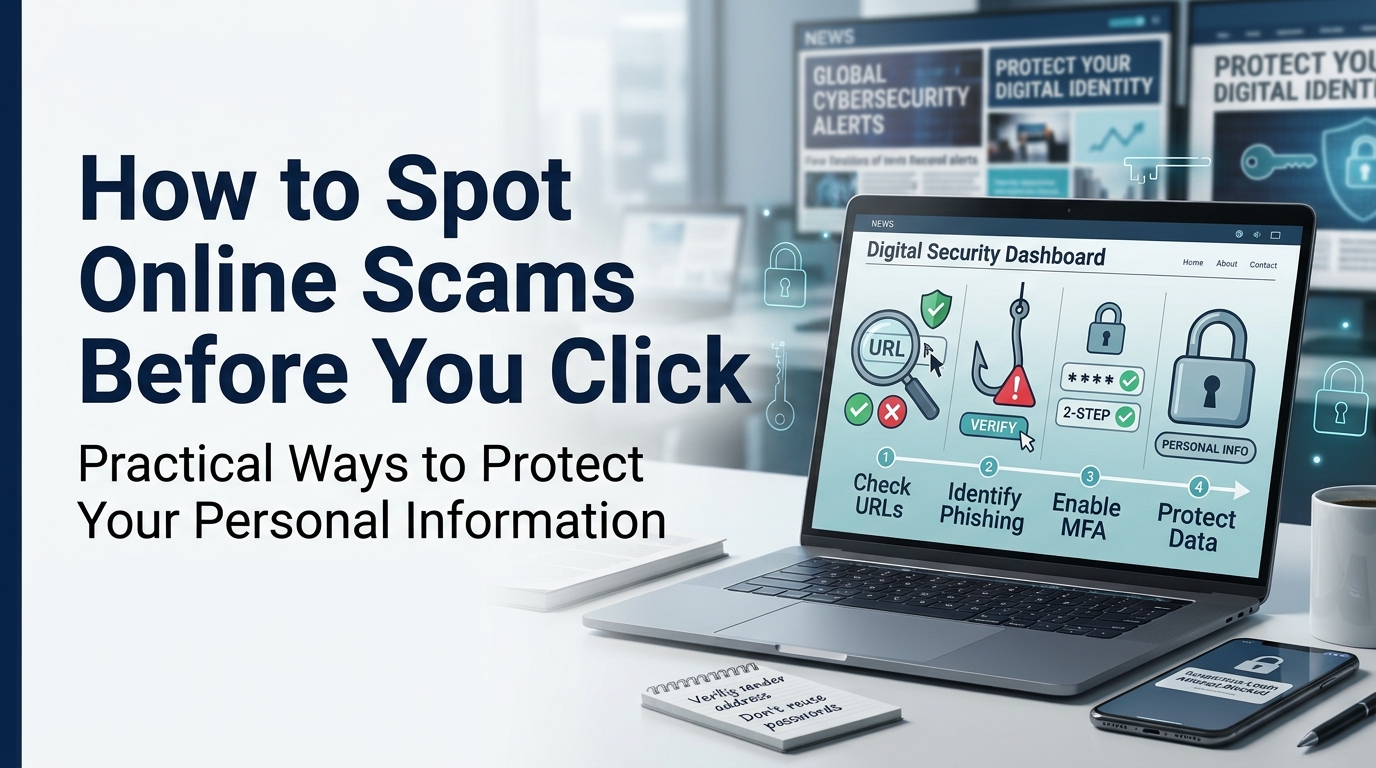
Online scams have become increasingly difficult to recognize because scammers often use familiar company names, realistic messages, and convincing websites to gain people’s trust. A message claiming that a package is delayed, a bank account needs verification, or a prize is waiting can appear legitimate at first glance. However, a few simple checks can help you recognize warning signs before sharing personal information or clicking a suspicious link.
The safest approach is to slow down, verify the source independently, and avoid making decisions under pressure. You do not need advanced technical knowledge to protect yourself online. Understanding common scam tactics and developing a few practical habits can make everyday browsing, shopping, and communication considerably safer.
Why Online Scams Are So Convincing
Many online scams succeed because they target ordinary human reactions rather than technical weaknesses. Scammers know that people may respond quickly when they feel worried, excited, curious, or afraid of missing an opportunity.
For example, a fraudulent message might claim that your bank account will be suspended unless you act immediately. Another might offer an unusually attractive discount that expires within minutes. Both messages encourage quick decisions before the recipient has time to investigate.
Scammers also imitate organizations that people already trust. They may copy company logos, use professional-looking layouts, or create email addresses that resemble legitimate business addresses.
This means appearance alone cannot establish whether a message is genuine. Even a professionally designed website or a familiar logo can be used in a fraudulent campaign.
The most effective defense is to verify what you receive rather than automatically trusting how it looks.
Seven Warning Signs of an Online Scam
Recognizing common warning signs can help you decide when to stop and investigate further.
1. Unexpected Messages Asking for Personal Information
Be cautious when an unexpected email, text message, or social media message asks for sensitive information.
Legitimate organizations may sometimes request information through secure, established processes. However, unsolicited messages demanding passwords, one-time verification codes, banking details, or identity documents deserve particular scrutiny.
Never share your password or authentication code simply because a message claims to come from a trusted company.
If the request concerns an account you actually use, open the company’s official app or type its known website address into your browser. Check your account directly instead of following the message’s instructions.
2. Urgent Threats or Unusual Pressure
Scammers frequently create artificial deadlines to prevent people from thinking carefully.
Messages may threaten account closure, legal consequences, lost payments, or canceled deliveries unless the recipient responds immediately.
Urgency does not automatically prove that a message is fraudulent, but it is a reason to verify the situation independently.
Take a moment to consider whether the requested action makes sense. If a message claims that a payment is overdue, check your official account records before paying.
3. Suspicious Website Addresses
A website address can reveal important clues about a possible scam.
Fraudulent websites sometimes use misspelled brand names, additional words, unusual domain endings, or addresses designed to resemble legitimate services.
For example, a scammer might create a domain that looks similar to a retailer’s official name but includes extra characters.
Check the actual domain carefully before entering payment information or logging in. Be particularly cautious when a shortened link hides its destination.
A padlock symbol and HTTPS connection indicate that a connection is encrypted, but they do not guarantee that the website itself is trustworthy.
4. Offers That Seem Too Good to Be True
Unusually cheap products, guaranteed investment returns, unexpected prizes, and exclusive offers can attract people into fraudulent transactions.
Scammers may advertise expensive electronics at a fraction of their normal price or promise substantial profits without meaningful risk.
Before making a purchase, compare prices with established retailers, review the seller’s history, and investigate independent customer feedback.
Be wary of sellers who insist on unusual payment methods, refuse reasonable questions, or demand payment before providing basic information about the product.
A genuine discount is possible, but an attractive offer should never replace basic verification.
5. Unexpected Attachments and Downloads
Files and attachments can contain malicious software or direct users to fraudulent websites.
Unexpected invoices, delivery documents, job offers, and account notifications may contain attachments that appear relevant to the recipient.
Avoid opening files from unknown senders, particularly when the message creates pressure to act immediately. Be careful with unexpected executable files, password-protected archives, and documents that ask you to enable macros or install additional software.
If an attachment supposedly comes from a colleague or business contact, verify the request through a separate communication channel before opening it.
6. Requests to Move Conversations Elsewhere
Fraudulent sellers, recruiters, and supposed customer support representatives may ask users to leave a trusted platform and continue through private messaging applications.
Moving a conversation does not automatically mean that someone is dishonest. However, it may remove protections such as platform payment systems, dispute resolution, and documented communication.
Be particularly cautious if someone asks you to pay outside an established marketplace, install remote-access software, or share verification codes.
When a transaction begins on a trusted platform, review its rules before agreeing to move elsewhere.
7. Inconsistent or Unverifiable Details
Scammers sometimes provide inconsistent names, contact information, addresses, payment instructions, or company details.
Look for discrepancies between the message and the organization’s official information. Check whether the contact details match those published independently by the business.
Grammar mistakes can be a warning sign, but well-written messages can also be fraudulent. Do not rely on spelling and formatting alone when evaluating authenticity.
The strongest assessment combines several checks rather than depending on a single clue.
How to Verify a Message Before Responding
When a message seems suspicious, use a simple verification process instead of immediately clicking a link or replying.
Step 1: Stop and Read Carefully
Do not respond to pressure or make a payment while you are uncertain about the sender’s identity.
Read the message again and identify exactly what it wants you to do. Ask yourself whether you expected the communication and whether the request matches your usual interactions with that organization.
Step 2: Contact the Organization Independently
Find the organization’s official contact information through a trusted source, such as its established website, official app, or a document you already know is genuine.
Do not use the telephone number or link supplied in a suspicious message as your only verification method.
For account-related concerns, sign in directly through the official service and check for notifications or unresolved issues.
Step 3: Research the Seller or Sender
When dealing with an unfamiliar seller, employer, charity, or service provider, look for independent information about the organization.
Check business details, customer experiences, refund policies, and relevant registration information where applicable.
Be cautious about reviews that appear unusually repetitive or overwhelmingly positive. Reviews can provide useful clues, but they are not definitive proof of legitimacy.
For broader awareness of emerging scams and public-interest developments, readers can also consult established reporting and informational resources such as Edit USA news, alongside official consumer protection and cybersecurity guidance.
Step 4: Choose a Safer Way to Pay
When shopping online, prefer established payment methods that offer appropriate transaction records and dispute protections.
Avoid sending money through irreversible methods to unfamiliar people, particularly when they pressure you to act quickly.
Before confirming a payment, verify the recipient, amount, and purchase details. A legitimate-looking invoice can still contain fraudulent payment instructions.
Protecting Your Personal Information Every Day
Recognizing scams is important, but consistent security habits can reduce the damage if a fraudulent message reaches you.
Use Strong, Unique Passwords
Avoid using the same password across multiple accounts. If one service experiences a data breach, reused passwords may expose other accounts as well.
A reputable password manager can help you create and maintain unique passwords without needing to memorize each one.
Enable multifactor authentication whenever available, particularly for email, financial accounts, and important business services. An authenticator application or security key can provide additional protection beyond a password.
Keep Devices and Applications Updated
Software updates often include security fixes that address known vulnerabilities.
Install updates for your operating system, browser, applications, and security software. Where practical, enable automatic updates to reduce the chance of overlooking important fixes.
Download applications from official app stores or verified developer websites rather than unfamiliar download pages.
Limit What You Share Publicly
Information posted on social media can help scammers create convincing messages.
Publicly sharing travel plans, personal details, workplace information, or answers to common security questions may give criminals material for impersonation attempts.
Review your privacy settings and think carefully before publishing sensitive information. Avoid posting details that could make it easier for someone to guess passwords or impersonate you.
Back Up Important Files
Keep backups of important documents, photographs, and business files. Depending on your needs, you can use a reputable cloud backup service, an external drive, or a combination of both.
For valuable information, ensure that at least one backup is protected against unauthorized changes or ransomware.
A backup will not prevent every scam, but it can make recovery easier after certain security incidents.
What to Do If You Have Already Clicked a Suspicious Link
Clicking a suspicious link does not necessarily mean your device has been compromised. The next steps depend on what happened after you clicked it.
If you only opened the page: Close it without downloading files, entering information, or granting permissions. Keep your browser and security software updated, and investigate further if you notice unusual behavior.
If you entered a password: Visit the legitimate service directly and change the password immediately. If you reused it elsewhere, change it on those accounts too. Review active sessions and enable multifactor authentication.
If you shared financial information: Contact your bank or payment provider using its official contact details. Explain what happened and ask about blocking transactions, securing your account, or disputing unauthorized payments.
If you installed software or granted remote access: Disconnect the affected device from the internet if you suspect it is compromised. Use a trusted device to secure important accounts and seek reputable technical assistance where necessary.
If you shared identity documents: Contact the relevant issuing authority or identity-protection service in your jurisdiction to understand the appropriate precautions.
Preserve relevant messages, transaction records, and screenshots when safe to do so. Report the incident to the relevant platform or local cybercrime authority. Reporting requirements and available remedies vary by location.
Common Mistakes That Make Scams Easier
Even cautious internet users can make mistakes when they are distracted or under pressure. A few habits are particularly worth avoiding.
- Trusting familiar branding: Logos and company names can be copied easily.
- Assuming search results guarantee safety: Fraudulent websites and advertisements may appear in search results.
- Sharing one-time codes: A scammer may use a code to access an account or authorize an action.
- Ignoring small warning signs: A strange domain, unexpected payment request, or inconsistent contact detail deserves attention.
- Relying entirely on antivirus software: Security software is useful, but it cannot prevent every form of fraud or social engineering.
- Waiting too long to respond: If you have shared sensitive information, acting quickly can help limit potential damage.
Building a habit of verification is more reliable than expecting one security tool to identify every threat.
Frequently Asked Questions
How can I tell whether a website is legitimate?
Check the domain carefully, research the organization independently, review its contact and refund information, and look for trustworthy external references. Remember that HTTPS alone does not establish legitimacy.
What should I do if a scammer has my phone number or email address?
Be alert for suspicious messages, unexpected verification codes, password-reset requests, and impersonation attempts. Secure important accounts with unique passwords and multifactor authentication, and never share authentication codes with someone who contacts you unexpectedly.
Are online scams always easy to recognize?
No. Some scams use professional designs, accurate personal details, and convincing language. Because appearance alone is unreliable, independently verifying unexpected requests is one of the most useful protective habits.
Final Thoughts
Online safety does not require you to distrust every message or avoid digital services altogether. It requires you to recognize suspicious behavior, verify important requests, and protect your personal information with consistent security habits.
Whenever a message creates unusual urgency, offers an unrealistic reward, or asks for sensitive information, pause before acting. Visit the relevant service independently, confirm the details, and use secure payment and authentication methods.
A few extra moments spent checking a message can help prevent financial loss, account compromise, and unnecessary stress. In an increasingly connected world, thoughtful verification remains one of the simplest and most effective ways to protect yourself online.
