

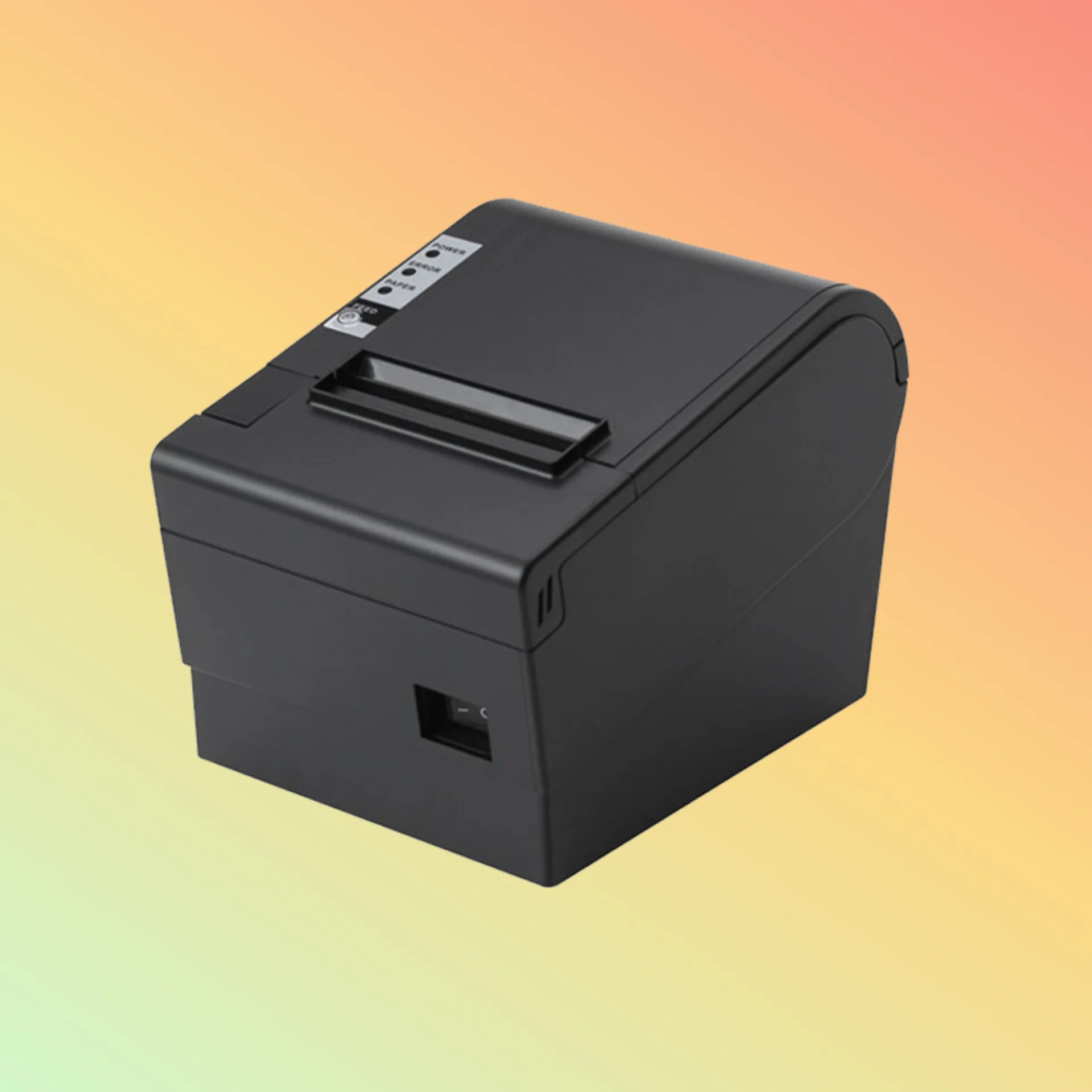
Purchasing thermal printers in bulk requires careful planning to ensure businesses receive reliable equipment, competitive pricing, and consistent product quality. Whether ordering for retail locations, restaurants, warehouses, logistics operations, or distribution networks, a well-organized buying process helps avoid unexpected costs and operational challenges.
A Thermal Printer Wholesale order involves more than selecting products based on price alone. Businesses should evaluate printer specifications, supplier capabilities, warranty policies, and delivery options before making a large investment. Following a detailed checklist can help buyers make confident purchasing decisions and choose solutions that meet long-term requirements.
Define Your Business Requirements
Before placing a bulk order, businesses should clearly understand why they need thermal printers and how they will be used.
Consider:
- Number of printers required
- Daily printing volume
- Type of documents being printed
- Operating environment
- Required features
- Future expansion plans
Clear requirements make it easier to select suitable printer models and avoid unnecessary expenses.
Determine the Right Printer Type
Thermal printers are available in different designs for different applications. Selecting the correct type is essential for efficient operation.
Common options include:
- Receipt printers for point-of-sale transactions
- Label printers for inventory and shipping
- Mobile printers for field operations
- High-speed models for busy environments
Choosing the right category ensures the equipment matches the intended workload.
Check Printing Specifications
Technical specifications directly affect printer performance and usability.
Important specifications to review include:
- Printing speed
- Print resolution
- Paper width compatibility
- Maximum printing volume
- Cutter functionality
- Memory capacity
Businesses should compare specifications carefully to ensure the selected printers can handle daily operational demands.
Evaluate Connectivity Options
Modern businesses use different systems and devices, making connectivity an important consideration.
Common connection methods include:
- USB
- Ethernet
- Bluetooth
- Wi-Fi
- Serial ports
The right connectivity options help ensure smooth integration with existing POS systems and business software.
Confirm Software Compatibility
Before purchasing in bulk, verify that the printers work with your current software environment.
Check compatibility with:
- POS platforms
- Inventory systems
- Accounting software
- Mobile applications
- Industry-specific solutions
Proper compatibility reduces installation difficulties and improves operational efficiency.
Assess Product Quality
Quality is one of the most important factors in wholesale purchasing. Buying large quantities of unreliable printers can lead to increased maintenance costs and workflow interruptions.
Evaluate:
- Build materials
- Print head durability
- Product testing procedures
- Reliability records
- Customer feedback
High-quality printers provide better long-term value.
Research the Supplier’s Experience
The supplier you choose can significantly affect the success of your bulk order.
Review:
- Years in the industry
- Product expertise
- Customer reputation
- Manufacturing relationships
- Service capabilities
An experienced supplier is more likely to provide dependable products and professional support.
Confirm Inventory Availability
Bulk orders require strong inventory management to prevent delays.
Ask suppliers about:
- Available stock quantities
- Production timelines
- Restocking schedules
- Lead times
Reliable inventory planning helps ensure products are delivered according to your schedule.
Compare Pricing and Total Costs
Price comparison is essential, but businesses should consider the complete cost rather than only the initial purchase price.
Evaluate:
- Unit pricing
- Shipping expenses
- Accessories
- Maintenance requirements
- Warranty coverage
A slightly higher-quality product may provide greater savings over its entire lifespan.
Review Warranty and Support Services
Technical support becomes increasingly important when managing multiple printers.
Before ordering, confirm:
- Warranty duration
- Repair procedures
- Replacement options
- Technical assistance availability
- Spare parts support
Strong after-sales service helps protect your investment.
Request Product Samples
Testing samples before a large order allows businesses to verify product performance.
Sample evaluation should include:
- Print quality
- Speed testing
- Software integration
- Ease of setup
- Physical durability
This step helps identify potential issues before committing to a large purchase.
Check Customization Options
Businesses purchasing large quantities may require customized solutions.
Possible customization services include:
- Logo branding
- Custom packaging
- Firmware adjustments
- Product labeling
- Special configurations
Customization can help companies create consistent branding and product experiences.
Understand Minimum Order Requirements
Different suppliers have different bulk purchasing policies.
Important details include:
- Minimum order quantity
- Price tiers
- Production requirements
- Payment terms
- Delivery conditions
Understanding these requirements helps businesses plan purchases effectively.
Evaluate Delivery and Logistics
Reliable delivery is essential for bulk orders. Delays can affect business launches, expansions, or equipment replacements.
Review:
- Shipping methods
- Estimated delivery times
- Packaging quality
- Shipment tracking
- International shipping experience
Good logistics management ensures products arrive safely and on schedule.
Check Product Certifications
Businesses operating in different regions may require printers that meet specific standards.
Review whether products comply with requirements related to:
- Safety
- Environmental regulations
- Electromagnetic compatibility
- Quality management
Compliance helps reduce potential issues when deploying equipment.
Plan for Maintenance and Replacement
A bulk purchase should include a plan for long-term equipment management.
Consider:
- Maintenance procedures
- Replacement parts availability
- Technical documentation
- Future product upgrades
Planning ahead helps maintain reliable printing operations.
Review Customer Feedback
Customer reviews provide useful information about supplier performance and product reliability.
Look for feedback regarding:
- Product quality
- Delivery accuracy
- Customer support
- Long-term performance
- Order experience
Positive feedback can help confirm supplier reliability.
Thermal Printer Wholesale Buying Checklist
Before finalizing a bulk order, confirm that you have reviewed:
- Business requirements
- Printer specifications
- Connectivity options
- Software compatibility
- Product quality
- Supplier reputation
- Pricing details
- Warranty terms
- Delivery schedule
- Support services
- Customization options
Completing this checklist helps reduce purchasing risks and improves the chances of a successful order.
Conclusion
Buying thermal printers wholesale can provide significant advantages, including lower costs, better inventory planning, and improved equipment availability. However, successful bulk purchasing requires careful evaluation of product features, supplier reliability, quality standards, and long-term support.
By following a detailed buying checklist, businesses can select the right thermal printing solutions, avoid common purchasing mistakes, and build a reliable supply system that supports efficient daily operations.
