

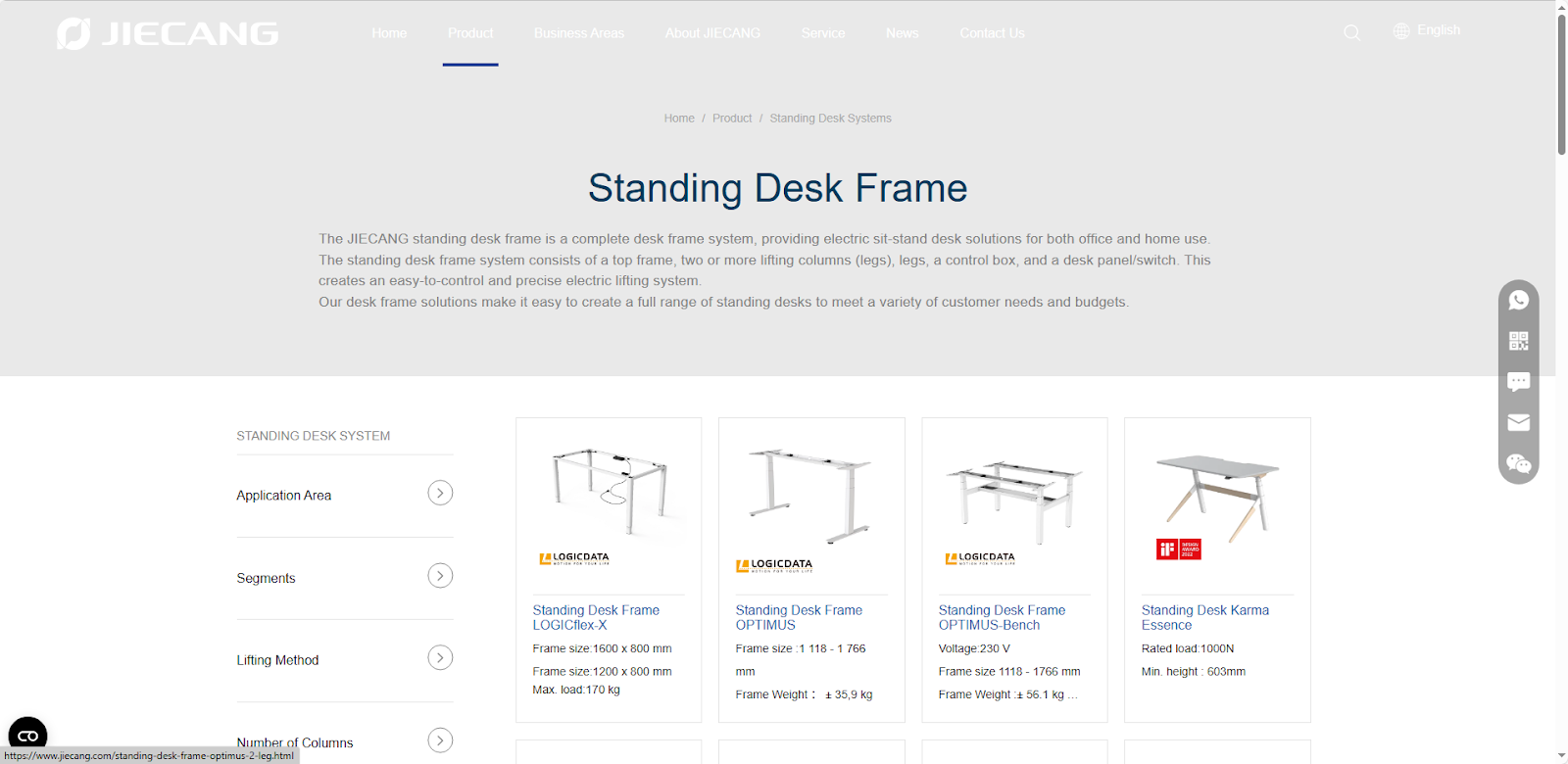
With the growing popularity of healthy office concepts, the impact of prolonged sitting on health and efficiency is becoming increasingly apparent. Standing desks and their core component—the standing desk frame—are becoming an important choice for improving work comfort and efficiency. Standing desk frames not only support the weight of the desktop and ensure smooth height adjustment, but also influence the user experience and office comfort. Modern electric desk frames achieve smooth height adjustment through optimized mechanical structure, durable materials, and intelligent controls, making them suitable for homes, offices, or creative spaces. This article will delve into the selection strategy for standing desk frames from the perspectives of core value, desktop compatibility, user experience, and purchasing guide, helping users find the optimal balance between health, efficiency, and comfort.
1. The Core Value and Significance of Standing Desk Frames
Standing desks are becoming increasingly popular in modern office environments. Compared to traditional fixed desk frames, modern electric or hybrid standing desk frames offer significant engineering advantages: the multi-column structure distributes the load, reducing the risk of desktop tilt; the use of high-strength steel or aluminum alloy materials ensures convenience and durability; and the intelligent control system enables smooth height adjustment, low-noise operation, and supports height memory, multi-user modes, and remote adjustment.
In the long run, choosing a high-quality standing desk frame not only improves work comfort but also extends the lifespan of the desktop and the entire office system, reducing maintenance costs and demonstrating significant investment value.
2. Buying Guide and Key Decision-Making Indicators
When choosing a standing desk, consider not only appearance and price, but also actual user experience and long-term value. Consider the following key indicators:
Weight Capacity and Height Adjustment
If your desk will accommodate multiple monitors, computers, printers, and even office supplies, the frame must have sufficient weight capacity while ensuring smooth and stable height adjustment. Height adjustment determines the flexibility of sitting and standing postures. Generally, home desks have a weight capacity of approximately 80-100 kg, while multi-monitor workstations or corporate desks are recommended to have a frame with a weight capacity of 100-150 kg. Insufficient weight capacity may cause the desk to wobble, affecting the user experience. The ideal sitting height is a minimum of approximately 65-70 cm and a maximum of approximately 120-125 cm. When choosing the range of adjustment, consider your own height and seat height to ensure comfortable posture changes.
Adjustment Speed and Noise Level
Height adjustment speed directly affects the daily user experience. Too slow a speed reduces switching efficiency, while too fast a speed may cause vibration or noise, affecting the office environment. Consumers can refer to the noise parameters provided by the manufacturer (usually expressed in decibels (dB)) or conduct their own tests to choose a model that is comfortable to operate and has low noise. Generally, the operating speed of electric height-adjustable desks is between 25–40 mm/s, balancing efficiency and stability. Too slow a speed will reduce the switching experience, while too fast a speed may cause vibration or noise. For quiet office environments, it is recommended to choose a height-adjustable desk frame with a noise level ≤50 dB.
Smart Functions and Control Methods
Modern desk frames typically offer multiple control methods: button control, hand crank, App/Bluetooth remote operation, height memory settings, multi-user mode, etc. Choose the appropriate functions based on your office scenario: home office users can focus on height memory and App reminder functions, while enterprise shared workstations can focus on multi-user preset and synchronous control functions. Smart functions not only improve convenience but also help develop healthy sitting-standing habits.
Ease of Installation and Desktop Compatibility
The ease of installation and compatibility with desktop dimensions of a table frame directly impacts the user experience. Modular design, easy screw fastening, and clear installation instructions reduce assembly time and complexity. Choosing a table frame that matches your existing desktop material and size (wood, glass, or composite board) ensures both aesthetics and stability. Common adjustable table frames are 100-180 cm wide and 60-80 cm deep, suitable for most wood, glass, or composite board desktops. Modular table frames can typically be assembled in 15-30 minutes without special tools.
3.User Experience and Functional Highlights
This standing desk prioritizes not only health and efficiency but also user experience and functional details. Whether adjusted electrically or manually, the height adjustment process is smooth and quiet, ensuring it won’t disturb colleagues or family members even in a quiet office environment. The smooth height adjustment allows users to naturally switch between sitting and standing postures, improving work comfort and avoiding inconvenience caused by cumbersome operation.
This standing desk demonstrates a high degree of intelligence in height, memory and multi-user modes. Users can set their preferred desktop height, and different family members can quickly switch to their respective usage modes, reducing the hassle of repeated adjustments and improving work efficiency and ease of use.
Furthermore, these standing desks typically come equipped with a wealth of additional features, such as cable management systems, storage trays, USB or wireless charging ports, and smart reminders. Cable management and storage trays keep the desktop neat and organized, charging ports provide convenient power for devices, and smart reminders help users regularly change sitting or standing postures, further ensuring health and comfort.
Conclusion
Standing desk frames are not only the supporting structure of an office desk, but also a crucial foundation for healthy office work and improved work efficiency. With standing desk frames, users can flexibly switch between sitting and standing postures, effectively relieving shoulder and neck fatigue and back pressure caused by prolonged sitting, while simultaneously improving focus and work efficiency.
When purchasing, a scientific decision should be made based on the office scenario and individual needs. For example, home offices can prioritize compact frames and easy-to-install designs, while corporate offices or shared use by multiple people can choose high-stability frames with dual motors and multi-column synchronization. At the same time, the height adjustment range, memory function, and intelligent control interface are also important indicators for improving the user experience. Through proper selection, standing desk frames can truly achieve the comprehensive value of healthy, comfortable, and efficient office work.
Standing Desk Frame FAQ
1.How to determine if a desk frame’s load-bearing capacity is sufficient?
Load-bearing capacity depends on the frame design, number of columns, and materials. For home offices, a frame with a load-bearing capacity of 80–100kg is generally suitable, while 120–150kg is recommended for businesses or multi-user setups. When purchasing, check the manufacturer’s static and dynamic load-bearing parameters and consider the total weight of the desktop, monitor, and other accessories.
2.What is the difference between dual-motor and single-motor frames?
Single-motor frames are generally less expensive and easier to install, but have limited load-bearing capacity and synchronization, making them suitable for lightweight desktops. Dual-motor or multi-column frames can achieve higher load-bearing capacity (120–150kg), smoother lifting, and a tilt-free desktop, making them more suitable for wide desktops or shared use by multiple users.
3.Is the frame difficult to install?
Most modern standing desk frames support modular installation and come with screws and installation instructions. A single-column frame typically takes 20–30 minutes to install, while a dual-column or multi-column frame takes 30–60 minutes. Using power tools can improve efficiency and ensure the frame is level and stable.
4.How much does height adjustment speed affect the user experience?
Lifting speed is typically in the range of 25–40 mm/s. Too slow a speed reduces switching efficiency, while too fast a speed may cause slight shaking or noise. The ideal speed ensures smooth and comfortable switching while maintaining low noise (≤50dB) to ensure undisturbed home or office environments.
5.How to extend the lifespan of the desk frame?
Regularly check the tightness of screws, the lubrication of the slide rails, and the condition of the motor cables; avoid overloading; minimize desktop tilting or lateral impacts; keep the lifting and lowering smooth during use, avoiding frequent sudden stops. This will extend the lifespan of the motor and frame, ensuring stable office work over
