

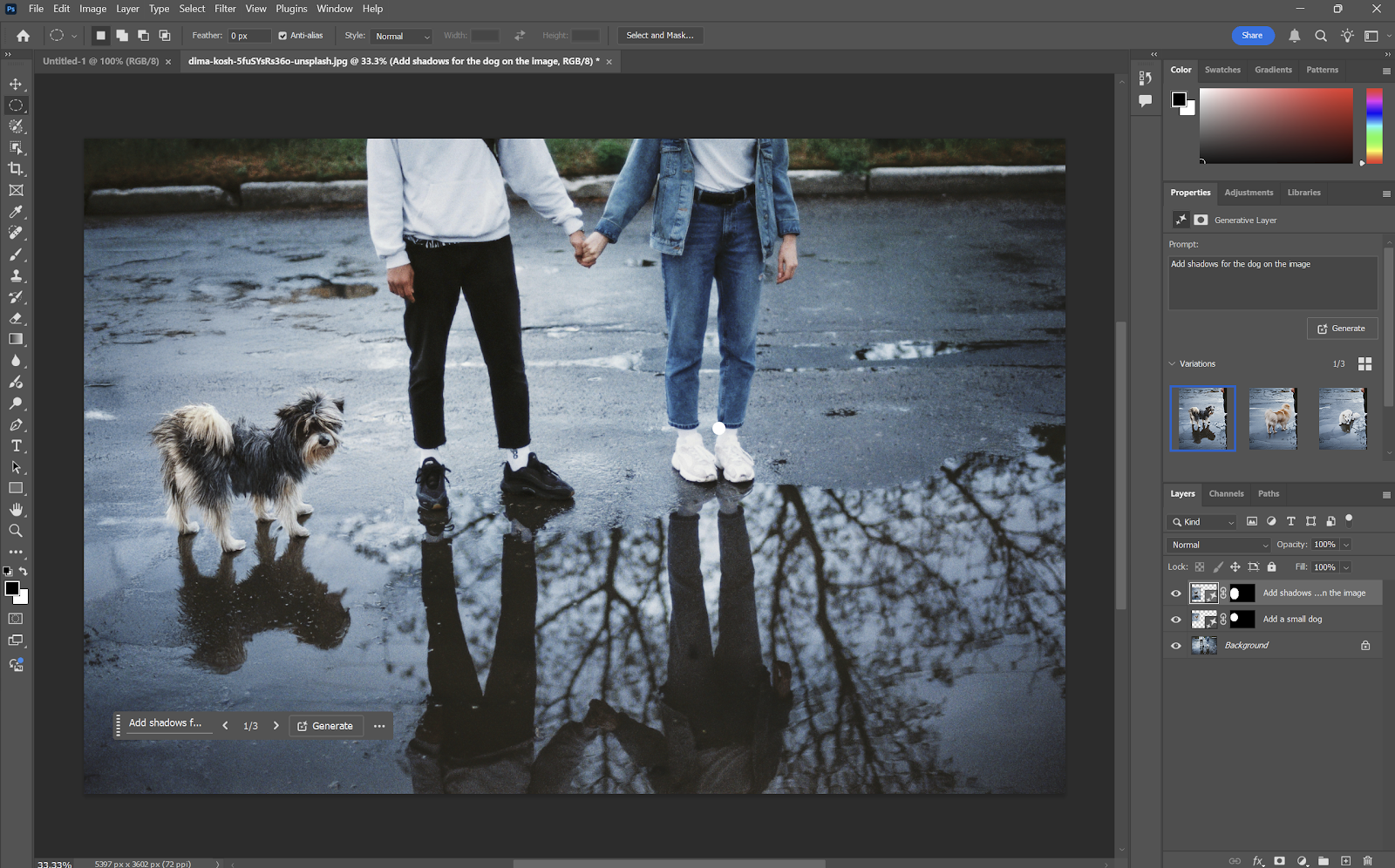
Efficiency and organization are essential when working with digital images, whether for marketing, social media, education, or personal creative projects. Even the most powerful tools can be underutilized if workflows are not optimized. The Nana Banana AI Image Editor provides a variety of features designed to simplify the creative process, but understanding how to use these tools effectively can maximize productivity and output quality.
Developing a structured workflow ensures that image creation and editing are both faster and more consistent. In the middle of this optimization, Nana Banana AI Image Editor offers tools like AI-powered image generation, automated editing, templates, and batch processing that can be combined strategically to create a smooth design process. By following best practices, users can save time, maintain visual consistency, and achieve professional results without unnecessary trial and error.
Start with a Clear Concept
Before opening the platform, define the purpose and objectives of your project. Consider the type of visuals needed, the audience, and the message you want to convey. Having a clear concept allows you to generate accurate AI images, select appropriate templates, and apply consistent styles. This initial planning step prevents wasted time and ensures that the final visuals align with your goals.
Use AI Image Generation Efficiently
One of the most time-saving features of the Nana Banana AI Image Editor is its AI-powered image generation. When using this tool, provide detailed and precise prompts to guide the AI. Include information about style, composition, color palette, and key elements. The more specific the prompt, the closer the generated images will be to your vision, reducing the need for extensive editing later.
Leverage Templates for Consistency
Templates are invaluable for maintaining brand consistency and speeding up production. Nana Banana offers customizable templates for social media posts, banners, advertisements, and other formats. Start with a template that matches your project requirements and make adjustments to text, color, and layout as needed. This approach ensures professional visuals while minimizing repetitive work.
Organize Your Layers and Elements
Even with AI assistance, proper organization is crucial. Keep track of layers, objects, and text elements within your project. Group related elements together and label layers appropriately. Organized projects make editing easier, reduce mistakes, and allow for faster revisions, especially when working on complex designs or collaborating with a team.
Batch Processing for Large Projects
For projects that involve multiple images, such as social media campaigns or e-commerce catalogs, batch processing can save significant time. Nana Banana allows users to apply enhancements, background adjustments, or style changes to multiple images simultaneously. This ensures consistency across visuals and streamlines the workflow, making it possible to meet tight deadlines without compromising quality.
Utilize AI Editing Tools Strategically
Nana Banana AI Image Editor offers several automated editing tools, including background removal, color correction, and object enhancement. Use these tools strategically by addressing the most impactful adjustments first. For instance, start with background removal or color balancing before applying sharpening or artistic effects. This sequence ensures that foundational enhancements are applied correctly, which improves the overall result.
Test Variations and Iterations
AI-powered design encourages experimentation. Generate multiple versions of an image to explore different styles, layouts, and color schemes. Nana Banana allows users to iterate quickly, testing creative ideas without starting from scratch. Save the best-performing versions and use them as references for future projects to maintain a consistent visual style.
Apply Consistent Branding
For business or professional projects, maintaining visual identity is critical. Use the same fonts, color palettes, and logo placements across all images. Nana Banana makes it easy to replicate branding elements across multiple designs, whether through templates or repeated prompts in AI generation. Consistency strengthens brand recognition and enhances professionalism.
Optimize Images for the Intended Platform
Different platforms and mediums require different image specifications. Adjust resolution, aspect ratio, and file format according to the platform’s requirements. Nana Banana AI Image Editor allows easy customization of these settings to ensure that your visuals appear sharp and correctly formatted, whether for social media, websites, or print materials.
Save and Organize Your Projects
Finally, maintain a structured library of your projects and assets. Save images, templates, and AI-generated elements in organized folders with clear names. This practice ensures that files are easy to locate for future edits or repurposing, improving overall workflow efficiency.
Conclusion
Optimizing your workflow with the Nana Banana AI Image Editor involves more than mastering its features—it requires planning, organization, and strategic use of AI tools. By starting with a clear concept, leveraging templates, organizing layers, applying batch processing, testing variations, maintaining branding, and optimizing for platforms, users can maximize efficiency and output quality. Following these workflow tips allows creators, marketers, educators, and hobbyists to take full advantage of the platform, producing professional, high-quality visuals with less effort and time.
